Security Cameras
Wired 4K cameras with local recording and clear night video, viewable from your phone anywhere — no monthly fee required.
Explore Security Cameras
Internet Networking
Fast, rock-solid Wi-Fi in every room — the foundation everything else depends on.
What it is
Every streaming TV, camera, thermostat, keypad, and phone in your house rides on your network. When the Wi-Fi is weak or the router is overwhelmed, everything suffers — buffering movies, cameras that drop offline, smart devices that stop responding.
We design and install business-grade networks for East Valley homes: a wired backbone, professional access points sized to your square footage and walls, and a network that quietly does its job so the rest of your technology can, too.
Start your projectWhat's included
Ceiling and wall access points from UniFi, Araknis, and similar professional lines — placed and tuned to blanket the whole home, including the patio and garage, with no dead zones.
Hardwired Cat6 to TVs, offices, cameras, and access points so the devices that can be wired are wired — freeing up the Wi-Fi for the things that actually roam.
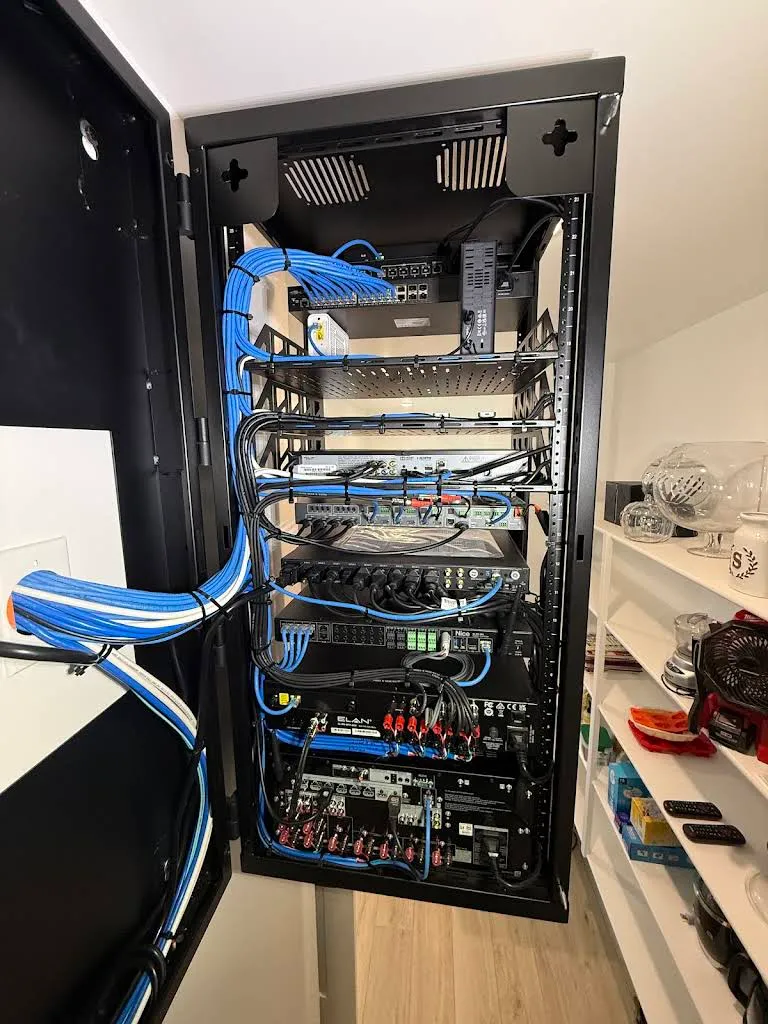
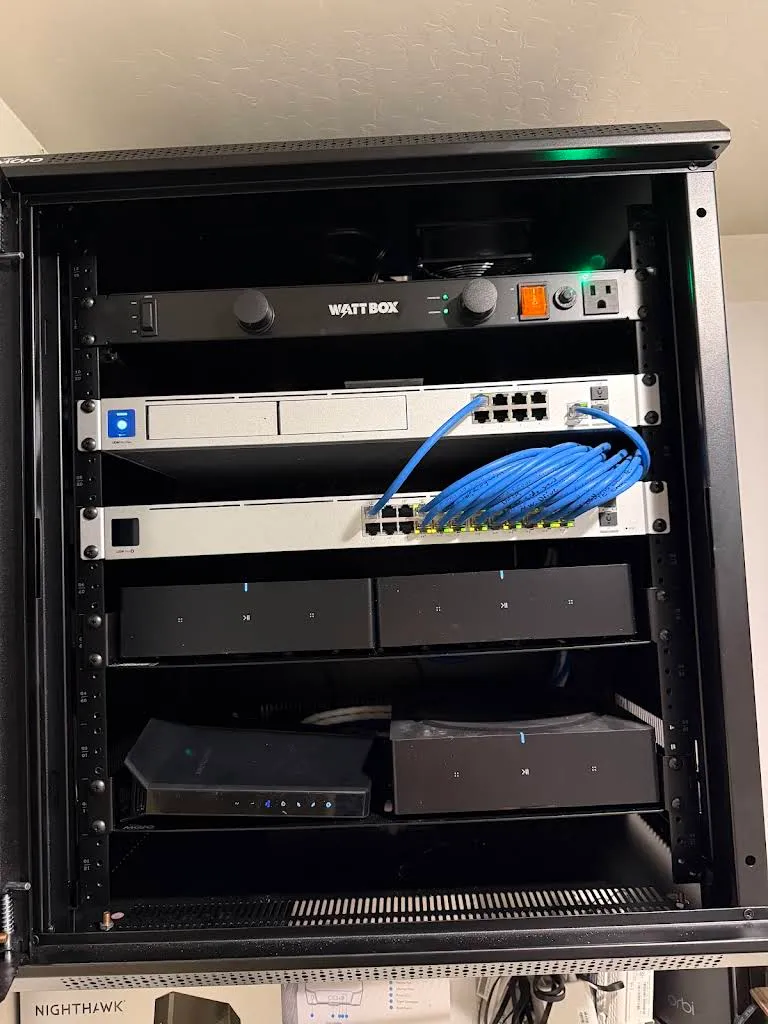
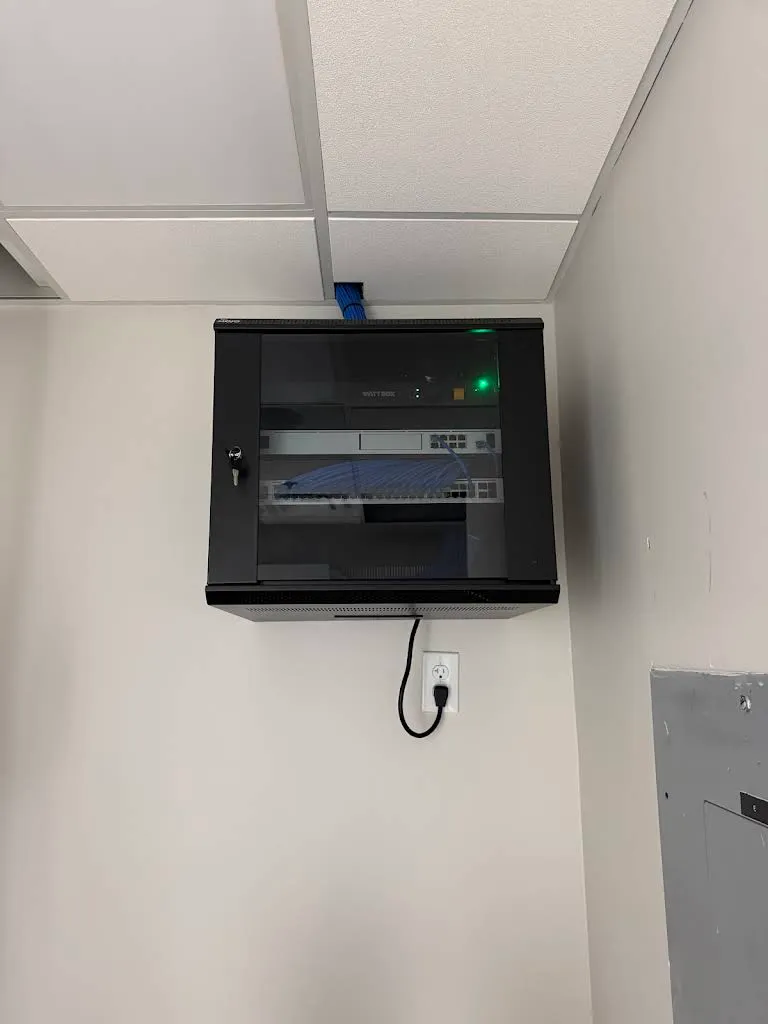
A proper router and PoE network switches in a ventilated enclosure on conditioned power (WattBox), with a clean, labeled patch so future changes are painless.
Separate networks for guests and for smart-home / IoT devices, keeping your personal computers and data on their own protected network.
We can monitor and manage your network remotely, often catching and fixing an issue — or rebooting a device — before you even notice.
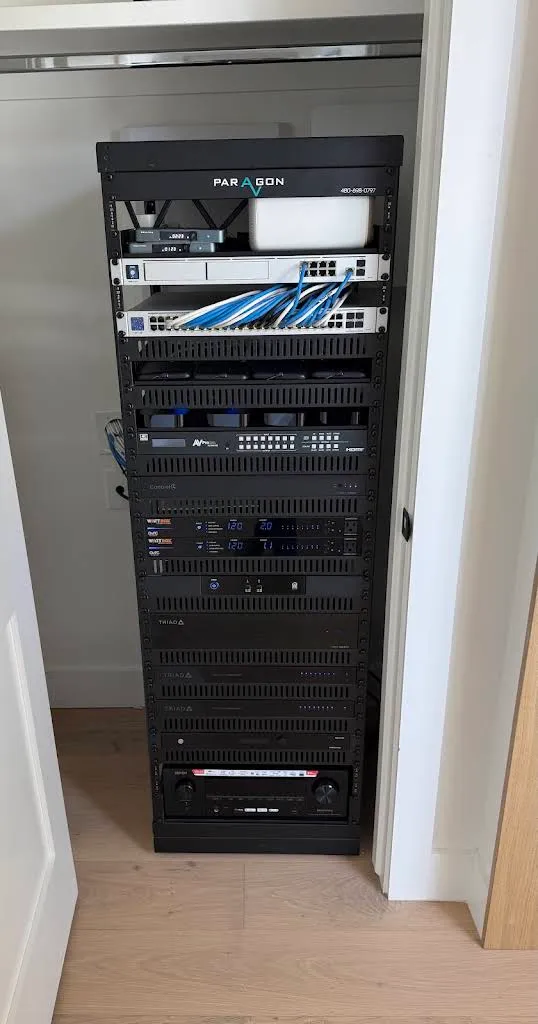
The Arizona angle
Block and stucco construction is tough on Wi-Fi — signal that sails through a drywall house gets eaten by masonry walls and stucco's wire lath. A single router by the front door rarely reaches the back bedrooms or the pool. That's why we distribute multiple wired access points instead of relying on one radio.
We also plan coverage for the way Arizonans live outdoors: reliable Wi-Fi at the patio, ramada, casita, and pool so outdoor TVs, speakers, and cameras stay connected all summer.
How it works
We evaluate your home's size, construction, and dead zones, and learn how many devices really need to connect.
A written plan: access point locations, wired runs, and the switch/router gear — sized for today and headroom for tomorrow.
We run cable, mount access points, set up the rack, and configure networks, security, and separation.
We verify speed and coverage room by room, then set up remote monitoring so we can support you proactively.
The work
Good to know
Usually it's a single router trying to cover too much home through masonry walls. The fix is a wired backbone with multiple professional access points placed for even coverage. request a consultation and we'll find the dead zones and design them out.
Consumer mesh helps a little, but it leans on wireless hops that get weaker with each jump and struggle in block homes. A professionally installed system uses wired access points for full-speed coverage everywhere — a real step up in reliability and throughput.
Yes. We regularly extend reliable, wired-backed Wi-Fi to patios, ramadas, casitas, garages, and pool areas so your outdoor entertainment and cameras stay connected.
We work behind whatever internet service you have — cable, fiber, or fixed wireless. We connect our network to your provider's equipment and, where it helps, put their gear into bridge mode so our system manages the home network cleanly.
Often, yes. Sometimes it's placement or configuration; sometimes it's aging hardware. We'll assess what you have, tell you honestly what's worth keeping, and upgrade only what needs it.
Keep exploring
Wired 4K cameras with local recording and clear night video, viewable from your phone anywhere — no monthly fee required.
Explore Security CamerasNew-build pre-wire and retrofit structured wiring, run clean and labeled — so every future upgrade is a plug-in, not a remodel.
Explore Low Voltage WiringControl AV, lighting, shades, climate, and security from one app or keypad — your whole home working as a single, simple system.
Explore Home AutomationGet started
Book a complimentary consultation. We'll walk your space, understand how you live, and design a system that fits — no pressure, no jargon.